🎭 Introduction: Why Veo 3 Matters Right Now ?
AI video generation has taken a huge leap in 2025.
What started as static avatars with robotic voices has quickly evolved into cinematic AI clips—full of movement, emotion, and personality. At the heart of this shift is Google Veo 3, one of the most advanced models for generating realistic talking characters with camera motion and facial expressions.
But there’s a problem: Veo 3 is locked behind Google Gemini ($20/month) or Google Flow, which isn’t even available in many countries.
So we did what any creator would—we looked for a workaround.
And we found one.
For just $5/month, you can access the full power of Veo 3 inside Canva AI—no region lock, no coding, no friction.
Here’s everything we learned while testing it ourselves.
🎭 Behind the Curtain: What’s Powering These Videos?
You don’t need a Google subscription to create videos with Veo 3.
Thanks to Canva’s integration, the same model quietly powers their “Create Video Clip” feature.
This means:
- Lip-synced characters
- Natural camera pans and zooms
- Emotionally aware expressions
- Scene + dialogue rendering in one go
It’s Veo 3—but wrapped inside a tool you probably already use for your thumbnails or Instagram posts.
🧭 Here’s how you could do it in just 7 steps !
- Visit canva.com and log in
- Upgrade to Canva Pro ( ~$5/month)
- At the top of search bar you will find Canva AI, then click on Create Video Clip.
- Write a prompt that combines scene + dialogue.
- Click the arrow icon to generate
- Preview & refine if sync feels off
- Download as MP4 and use it anywhere you like
Everything you create is also saved under Canva’s AI section, so edits and redos are effortless.
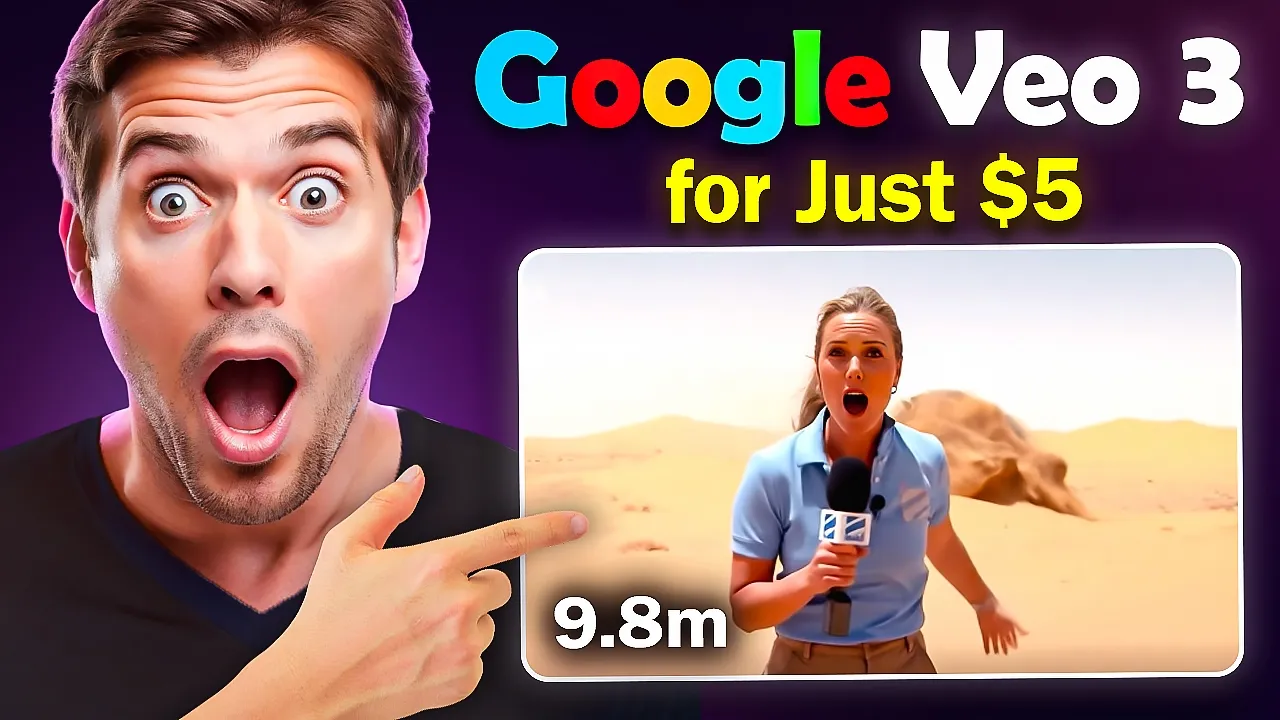
▶️ Watch: Our Live Walkthrough on YouTube
Want to see how the output looks?
We documented the entire process, tested two real prompts, and analyzed results.
📦 Real Prompts That Worked
Here are the two real prompts we used in our tests:
🧸 Panda POV Vlog
Create a video featuring a cinematic video featuring a cute, expressive panda walking through a lush, vibrant jungle. The scene is shot entirely from the panda’s vlogging camera point of view, as if he’s recording a personal vlog. The panda talks in a charming and slightly playful tone, saying: 'This jungle is full of adorable panda girls… but I still haven’t found the one yet.' Add a soft ambient jungle soundtrack and occasional glances at curious animals peeking through the foliage to enhance the vlog feel.
Output video :

📰 Desert Reporter Drama
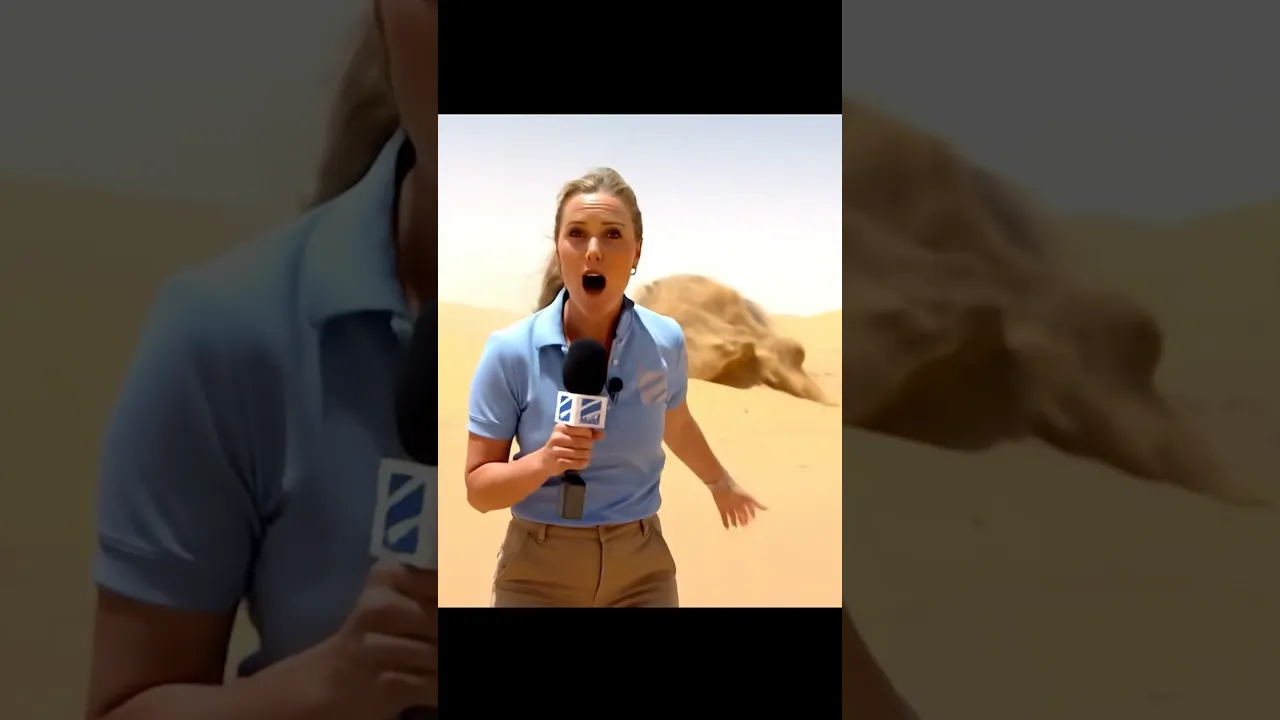
Generate a realistic video of a female news reporter standing in the vast, sun-scorched Sahara Desert, holding a mic and speaking directly to the camera. She says, 'Here I am, in the middle of the Sahara Desert Reporting live, oh wait, what is that behind me?!’ As she speaks, a massive sand-covered desert monster slowly emerges in the background. Mid-sentence, she senses something, turns around cautiously.
Output video:
What We Observed (and You Should Know)
- It’s Veo 3. For $5. That’s a steal.
- Prompt phrasing matters – shorter sentences = better lip sync
- Natural emotion varies – sometimes the delivery is subtle, sometimes expressive
- No extra credits – use it as much as you like once you’re Pro.
- Zero tech barrier – if you can use Google Docs, you can use this.
🏁 Final Thoughts
You’re not just getting access to a new tool—you’re stepping into a new style of content creation.
Google Veo 3 is no longer locked behind premium gates. If you’re a creator looking to experiment with AI videos—without showing your face, without breaking the bank, and without overcomplicating the process—this is your moment.
Or just jump into canva.com and start experimenting yourself.