
Our take
In-Depth Review
Our detailed analysis of i10x — features, performance, and real-world testing.
This article is based on hands-on testing of i10x across writing, research, image generation, video creation, and document analysis.
The aim is to describe what i10x does well, where it feels dependable, and how it can be used in real tasks by creators, students, researchers, and professionals.
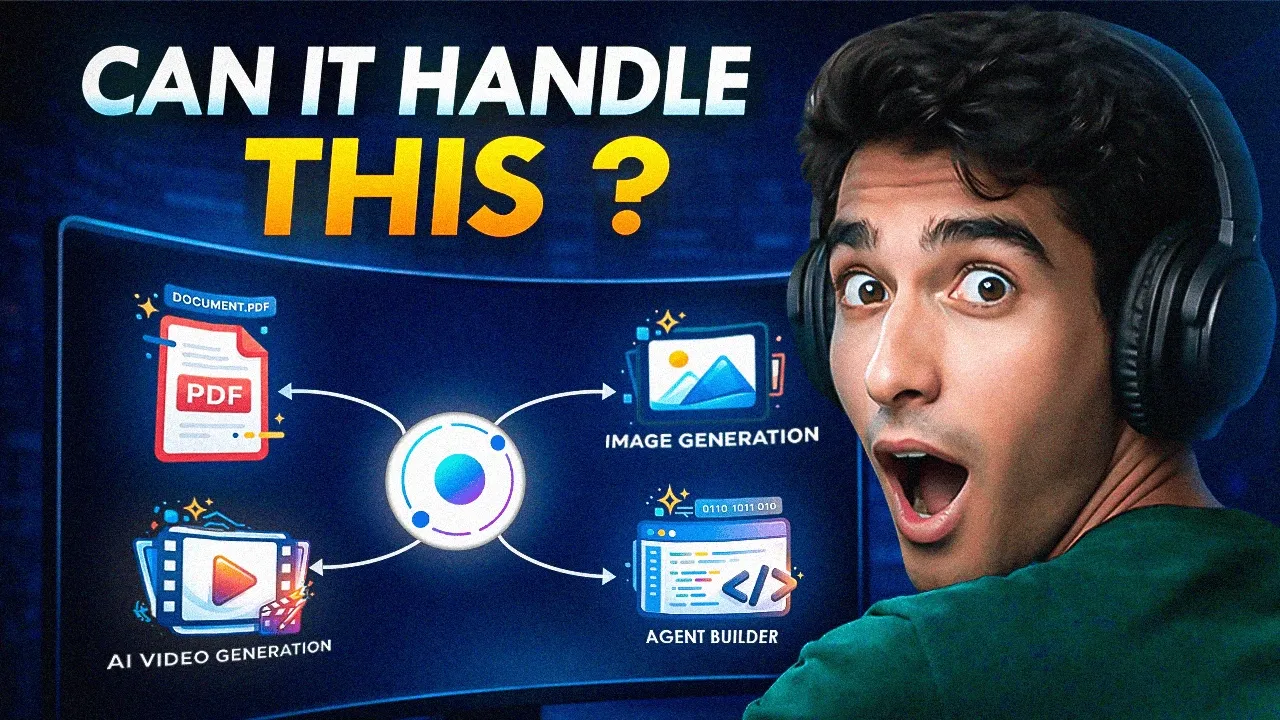
The testing focused on one simple question:
Can i10x handle complex AI tasks from start to finish in one place without breaking context?
Based on testing, the answer is largely yes.
Core Idea: Many AI Models, One Continuous Workspace
Instead of forcing one model to do everything, users can choose models based on the task, such as:
- Fast responses
- Writing and content creation
- Coding and debugging
- Research and deep analysis
- Long-context understanding
This design matters when a task requires more than one step. It allows users to move between thinking, testing, comparing, and refining without losing context.
Artifact i10x Platform
1. i10x Hands-On Test
A practical test showing how a multi-step AI task is completed entirely within a single workspace, without losing context or moving between tools.
AI Chat Arena: Side-by-Side Model Comparison
The AI Chat Arena is designed for situations where the quality of an answer matters more than speed alone.
Rather than relying on a single model response, this feature allows users to actively evaluate multiple perspectives on the same prompt.
Users can submit one question and instantly see how two different models respond. This makes differences in reasoning style, structure, and depth easy to identify. During testing, the responses loaded quickly and remained aligned with the original prompt.
This feature is particularly useful for research questions, technical explanations, and any task where validation is important.
What worked consistently
- Responses loaded quickly across models
- Prompt intent remained unchanged
- Differences in reasoning were easy to compare
Strength: Side-by-side comparison improves answer confidence
Artifacts
Input Used
Explain and solve the following problem using Python.
Write a function that checks whether a given string is a palindrome.
The solution should ignore spaces, punctuation, and letter case.
Explain the logic step by step before showing the code.
End by stating the time complexity of the solution.
Output
Chat Mode: Choosing Models by Purpose
Chat Mode is built around practical usage rather than model names.
Instead of asking users to understand technical differences between models, i10x groups them by what they are best suited for.
Available categories include:
- Speed-focused models for quick replies
- Writing-focused models for structured content
- Coding and technical models for development tasks
- Research and long-context models for deeper analysis
During testing, switching between these categories did not break context. Prompts were followed consistently, and answers remained aligned with user intent.
This approach reduces trial-and-error and helps users reach usable outputs faster.
What worked consistently
- Context was preserved when switching models
- Prompt adherence remained stable
- Output quality matched the selected category
Strength: Model selection aligns well with task intent
Artifacts
Input Used
Chat Prompt
Explain the best Python libraries used for sentiment analysis in a clear and structured way.
Start with a brief explanation of what sentiment analysis is and why it is important in research and real-world applications.
List the most widely used Python libraries for sentiment analysis and explain each one separately, including how it works, what type of models or methods it uses, and its typical use cases.
Compare these libraries based on accuracy, ease of use, scalability, and suitability for academic research versus industry applications.
Mention the limitations of each library and clearly state which library is best for beginners, which is best for large-scale research, and which is best for production systems, then end with a concise, well-reasoned conclusion.
Detailed Prompt – Email Writing
Write a professional and well-structured email for a formal situation.
Assume the email is from a researcher to a university professor requesting feedback on a submitted research paper.
Maintain a polite, respectful, and academic tone throughout the email.
Clearly state the purpose of the email, briefly mention the paper’s topic, and request feedback within a reasonable timeline.
End the email with a proper closing, appropriate sign-off, and complete contact details, ensuring the email is clear, concise, and ready to send without any revisions.
Detailed Prompt – Complex Topic Explanation
Explain a complex technical topic in a way that is easy to understand without losing accuracy.
Choose the topic “How large language models work.”
Start with a simple high-level overview, then gradually explain the core components such as data, training process, and inference.
Use clear structure and logical flow, avoiding unnecessary jargon while still maintaining technical correctness.
End with a concise summary that connects the explanation to real-world applications and clearly states the limitations of the technology.
Output Produced
Image Generation: Practical Results for Creators
The image generation feature is clearly built with creators and marketers in mind.
i10x offers access to multiple image models, allowing users to test different visual styles without leaving the platform.
In testing, image outputs showed strong alignment with text prompts. Visual elements such as style, composition, and references were handled accurately, especially when prompts were specific.
The results were suitable for creative use cases like thumbnails, marketing visuals, and concept imagery, without requiring heavy post-editing.
What worked consistently
- Prompt instructions were followed accurately
- Visual styles matched descriptions
- Reference handling remained stable across models
Strength: Images closely follow prompt instructions
Artifacts
Input Used
Create a bright, eye-catching MrBeast-style YouTube thumbnail with bold, colorful 3D text saying 3 Craziest AI Tools for Thumbnails . Show a surprised man in the center (not a real person) reacting to glowing AI icons and vibrant tool logos floating around him. Add dollar bills, glowing effects, and energetic lighting in the background with stacks of cash and red YouTube play buttons for a viral look. Use warm golden tones, strong contrast, and dramatic depth for a high-energy, click-worthy design.
Output Produced
AI Video Generation: Focused on Visual Quality
The AI video feature focuses on producing short, visually clear outputs rather than long-form videos.
It is designed for creators who need quick visual assets for previews, ads, or concept demonstrations.
During testing, the system handled prompt details and visual references reliably. Motion, composition, and continuity remained consistent across outputs.
This makes the feature suitable for early-stage creative work where visual clarity matters more than detailed editing control.
What worked consistently
- Prompt details were reflected in video output
- Visual references were preserved
- Motion and composition remained stable
- Outputs were visually coherent across frames
Strength: Video outputs maintain visual consistency
Artifacts
Input Used:
A cinematic channel intro begins in a pure deep-black background, completely empty and silent. From the center, a mechanical brain forms in glowing blood-red metal, built from precise circuitry, panels, and neural-like wiring. The brain emits a slow, heartbeat-style pulse. Fine golden highlights trace along its mechanical structure, adding a premium, high-tech feel. The brain suddenly destabilizes and disintegrates into thousands of shiny red particles, scattering outward in slow motion. These particles seamlessly blend with gold particles, creating a rich red-and-gold energy flow. The particles organize into smooth, wave-like motion, traveling dynamically across the screen with cinematic fluidity. As the waves move, they travel forcefully toward the screen borders, striking the edges with controlled, energetic impact before rebounding inward. The waves remain a perfect mix of red and gold, glowing intensely with high-contrast lighting and shallow depth of field. Within this motion, aesthetic content-creation icons appear in a shiny gold finish—music, camera, innovation, and video player symbols. Each gold logo reflects the red-and-gold waves, appearing briefly and cleanly before transitioning forward. The energy waves then collapse toward the center in a precise, powerful motion. In a final cinematic convergence, the particles form the bold, futuristic text “AI Demos”, rendered in a shiny blood-red metallic font. The text pulses softly, sharp and dominant against the black background. Around the title, the same icons reappear—now small, blood-red logos, perfectly aligned and evenly spaced in a clean, professional layout. Each logo appears one by one, subtle yet intentional, enhancing the brand identity without overpowering the title. The glow slowly fades, leaving “AI Demos” centered, polished, and cinematic—modern, intelligent, and premium.
Output Produced:
Limitations
While most video generation models produced consistent results, some models like Kling 2.6 generated irrelevant or low-quality outputs. The other tested models remained reliable, but careful model selection is necessary for production-ready content.
Chat and Read Docs: Working Directly With PDFs
The document feature allows users to upload PDFs and interact with them through natural language questions.
This removes the need for manual searching and page-by-page reading.
During testing, the system parsed documents accurately and answered questions based on context rather than keyword matching. It handled longer documents without losing track of earlier sections.
This makes it useful for students, researchers, and professionals working with reports, academic papers, or legal documents.
What worked consistently
- Documents were parsed correctly
- Context-based questions were answered accurately
- Long documents remained coherent
Strength: Reliable understanding of document content
Artifacts
Input Used
PDF & Docs
Read the uploaded PDF carefully.
Summarize the main ideas in simple language.
List the 5 most important points as bullets.
Explain why this document matters.
Suggest one clear action based on it.
Sample PDF to test:
https://aiindex.stanford.edu/report/
Output Produced
Deep Research: Clear Answers With Sources
The deep research feature is designed for tasks where correctness and verification matter.
Powered by Perplexity Sonar Pro, it focuses on providing structured answers rather than short summaries.
In testing, the system understood complex research questions and returned clear explanations supported by official source links. This allows users to verify information easily.
The feature is well suited for academic research, professional analysis, and fact-checking tasks.
What worked consistently
- Research questions were interpreted accurately
- Answers were structured and easy to follow
- Official sources were included for verification
Strength: Research outputs are source-backed
Artifacts
Input Used
Research Prompt – Artificial Intelligence
Explain how artificial intelligence systems are developed in a research and engineering context.
Describe the process of data collection, model training, and evaluation using clear and precise language.
Discuss commonly used methodologies and evaluation metrics at a high level.
Reference known limitations and challenges, such as data bias, interpretability, and generalization.
Provide a concise academic summary that reflects current research understanding.
Research Prompt – Carbon Credits
Explain how carbon credit systems are designed and implemented in environmental and economic research.
Describe how emissions are measured, verified, and converted into carbon credits.
Explain the role of data, monitoring, and verification in ensuring credibility.
Discuss key limitations and challenges, including measurement uncertainty, additionality, and market transparency.
Provide a concise academic summary that reflects current research and policy perspectives.
Output Produced
Agent Builder: Custom AI for Repeated Tasks
The agent builder allows users to create custom AI agents tailored to specific workflows.
These agents can be reused across tasks, helping maintain consistency and reduce repeated setup.
Supported categories include:
- Image editing and generation
- Marketing and SEO
- Business tasks
- Document handling
- Education
- Creative tools
During testing, custom agents performed reliably when used for repeated task patterns.
What worked consistently
- Agent behavior remained stable across uses
- Workflow setup time was reduced
- Task outputs stayed consistent
Strength: Custom agents improve workflow efficiency
Artifacts
Input Used
Agent Builder
Create an AI agent that helps users plan their day.
The agent should ask clarifying questions first.
It should generate a simple daily schedule.
The tone should be friendly and practical.
Include example questions the agent can handle
Output Produced
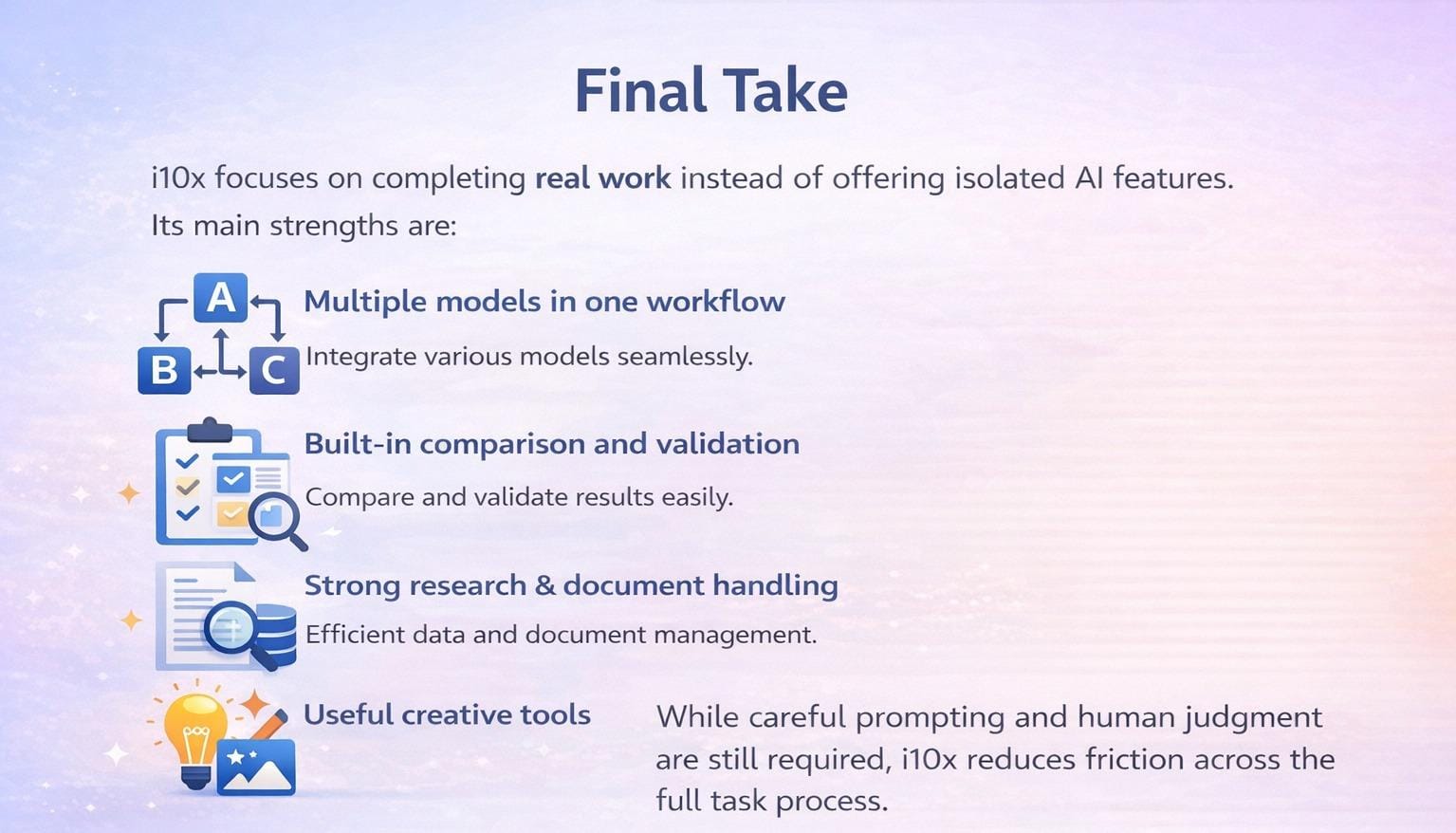
The platform performs strongest when tasks involve multiple steps and formats.
Used with clear intent, i10x is a practical all-in-one AI platform that supports real work across domains.
Banner Preview
How the embed badge will look on your site

Embed HTML
Copy this code to your website source
Quick Integration Guide
- 1Copy the HTML code block above.
- 2Paste it into your site's HTML or CMS editor.
- 3Banner appears instantly on your page.
- 4Links back to your tool profile here.