
Pictory AI
Pictory.ai Review (2026): The AI-Driven Video Creation Revolution for Content Makers.
Our take
In-Depth Review
Our detailed analysis of Pictory AI — features, performance, and real-world testing.
Pictory
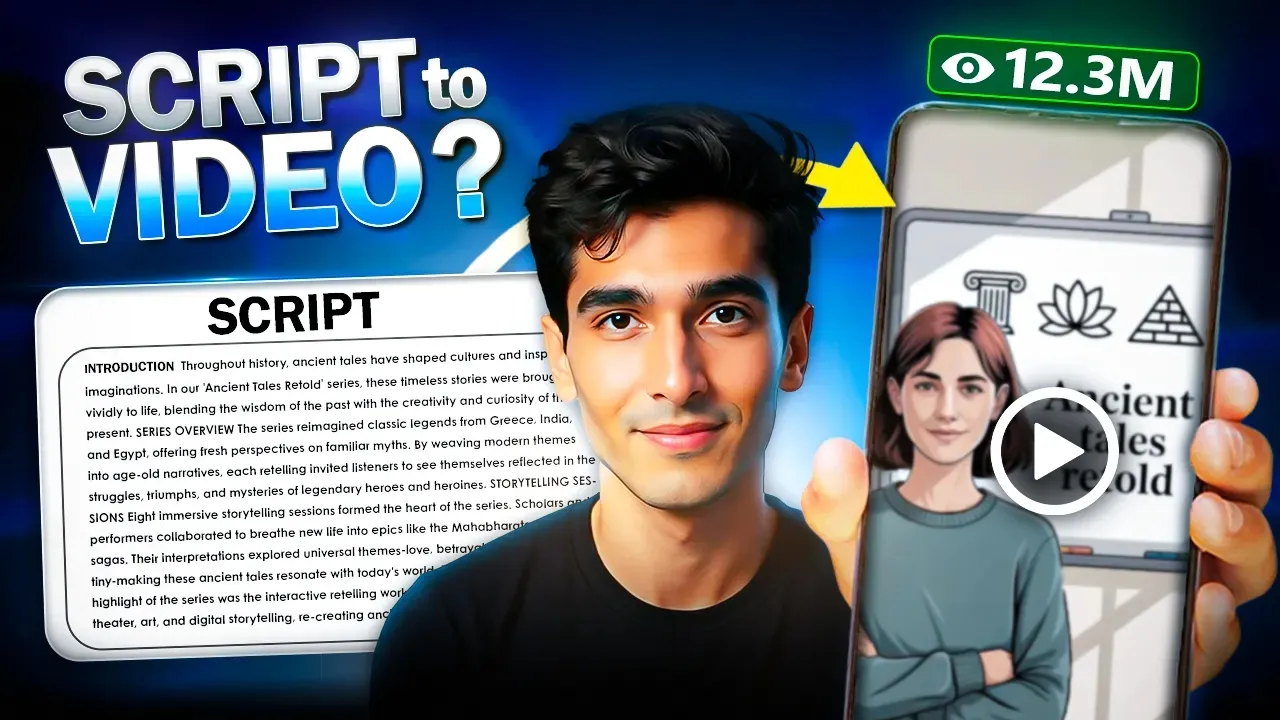
Pictory is an AI video generator that excels at turning long-form text content, such as blog posts and scripts, into engaging summary videos. It is designed for content creators, educators, and marketers who want to repurpose existing content with a high degree of control. The platform's strengths lie in its powerful customization options, especially for voiceovers, branding, and script editing.
How It Works: Our Testing Experience
Testing Pictory showed an intuitive and organized workflow focused on customization. The process typically follows these steps:
- Provide Input: Start with a script, URL, or even existing images.
- Script Generation: The AI extracts or generates a video script from your input.
- Edit and Refine: You can easily edit the script, and the AI will adjust scenes accordingly. This is also where you add a voiceover.
- Generate Video: The final video is generated with your branding, selected aspect ratio, and subtitles.
Artifacts: Real Test Output
To see how Pictory handled our test script and to hear its AI voiceover capabilities, view the real output from our test below:
- Generated Output: Pictory Test Video
Key Features
- URL-to-Video: A powerful feature that can parse a web page and automatically create a video summary.
- AI Script Optimizer: Allows you to automatically shorten or lengthen the AI-generated script.
- AI Voiceovers: Offers a wide selection of realistic AI voices to narrate your video.
- High Customization: Provides extensive options for branding, aspect ratios, subtitles, and scene duration.
Pros and Cons
Pros:
- Excellent Customization: Gives you significant control over the final look and sound of your video.
- Great for Repurposing Content: The URL-to-video and script optimizer features are ideal for turning articles into videos.
- Good Quality Output: The AI does a commendable job of selecting relevant visuals and creating a well-paced video.
- Intuitive Interface: Despite its many options, the platform remains organized and easy to navigate.
Cons:
- Simple Visuals: The output is clean and informative but lacks the more dynamic transitions or polished templates of some competitors.
Pictory Pricing
- Free Trial: Offers a 14-day free trial to test the features.
- Paid Plans: Start from $25/month after the trial ends.
Verdict: Is Pictory Worth It?
Yes, Pictory is worth it for creators who need flexibility and control. If your goal is to create educational or informative videos and repurpose existing text content, Pictory's high degree of customization and strong feature set make it a top choice. It offers a great balance between automation and manual refinement.
To see how Pictory performed in comparison to its competitors, watch the video below!
Banner Preview
How the embed badge will look on your site

Embed HTML
Copy this code to your website source
Quick Integration Guide
- 1Copy the HTML code block above.
- 2Paste it into your site's HTML or CMS editor.
- 3Banner appears instantly on your page.
- 4Links back to your tool profile here.