Turn Long Videos Into High-Quality Short Clips Automatically
✓ Tested & Working · 5 Tools Tested · March 2026
Long-form videos often hide dozens of strong moments that could work perfectly as short clips. The challenge is finding those moments without rewatching the entire video and manually editing everything. We tested multiple AI tools that claim to automatically extract high-quality short clips from long videos. One workflow consistently produced usable, publish-ready results.
%2520(1).png&w=3840&q=75)
What to Expect
✓ What AI Can Do Today
• Detect strong moments in long videos by analyzing speech patterns, pacing, and hooks
• Automatically convert horizontal footage into vertical 9:16 short-form clips
• Track faces dynamically so subjects remain centered in the frame
• Generate accurate subtitles synced with spoken dialogue
• Produce multiple short clips from a single long-form upload
• Export platform-ready files for Shorts, Reels, and TikTok
✗ Where It Still Falls Short
• AI can sometimes trim clips too tightly and remove useful context
• Some tools miss subtle emotional moments that humans would choose
• Caption styling is often basic compared to manual editing
• Visual framing can occasionally misplace secondary speakers
• AI scoring systems sometimes select clips that are technically correct but not engaging.

What We Tested
We tested 5 tools that claim to automatically turn long videos into social-media-ready short clips, using the exact same podcast episode as input.
Vizard AI — Best — Most reliable end-to-end results with clean vertical framing and strong clip detection.
AIVideoCut.com — Needs Work — Detects segments well but requires too much manual adjustment.
Opus Clip — Unstable — Interesting clip scoring but inconsistent vertical formatting.
Kapwing — Failed — Produces clips but requires too much manual editing to qualify as automated.
Want the full comparison with artifacts?
See all 5 tools ranked with side-by-side outputs → [Ranking Page Link]
The Best Way to Do It
Our Recommendation
Use Vizard AI.
It consistently detects strong moments, auto-reframes clips to vertical, and exports multiple ready-to-publish shorts in one workflow.
Here’s exactly how to do it, step by step tested January 2026.
.png&w=3840&q=75)
The Input We Used
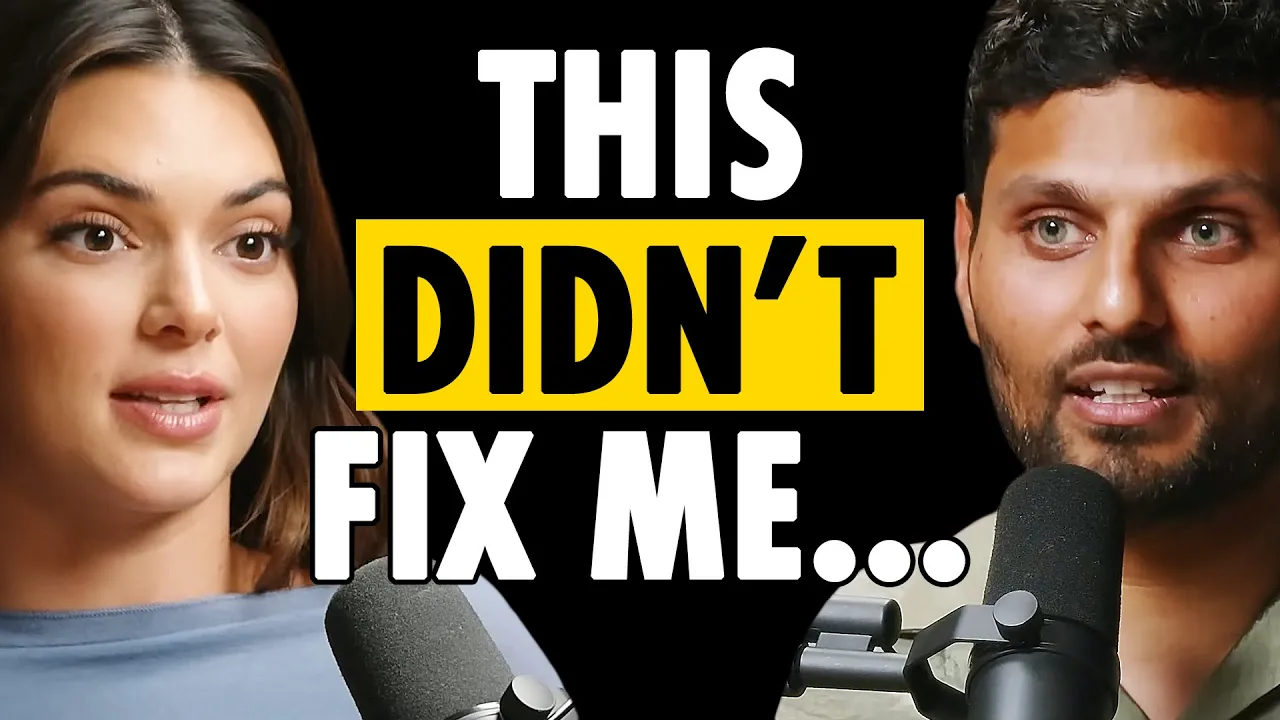
Step-by-Step Walkthrough
Step 1: Upload the Long Video
Upload your long-form video or paste a YouTube link directly into the platform.
The system immediately begins analyzing the full video. No manual trimming or timestamp selection is required.

Step 2: Let the AI Detect Clip Opportunities
The AI scans the full video and identifies moments with strong hooks or standalone insights.
Within a few minutes, it generates multiple short clip candidates ranked by engagement potential.

Step 3: Review Generated Clips
The system displays each generated clip with a preview and engagement score.
You can quickly scan through the clips and select the ones that feel strongest without watching the entire source video again.

Step 4: Auto-Reframe to Vertical
Each clip is automatically converted into a 9:16 vertical format.
The AI tracks faces dynamically so speakers stay centered in the frame, even if they move during the conversation.

Step 5: Export Platform-Ready Shorts
Export the clips in vertical format optimized for:
• YouTube Shorts
• Instagram Reels
• TikTok
No additional formatting or editing is required.

What You'll Actually Get
Real outputs from Vizard AI across different types of long-form content.
No cherry-picking and no manual editing after generation.
Output Example
🎨 Output Quality Comparison (Visual)
Input Type
| Hook Detection
| Framing
| Captions
|
Podcast
| Excellent
| Excellent
| Good
|
Educational
| Good
| Excellent
| Good
|
Story Segment
| Good
| Good
| Good
|
Honest Limitations
• AI occasionally removes too much context when trimming clips
• Caption styling is functional but not highly customizable
• Multi-speaker conversations sometimes require manual framing adjustment
• Engagement scores don’t always reflect what actually performs well on social media
• AI works best with clear speech and structured conversations
%2520(1).png&w=3840&q=75)